
You haven't signed in yet, you can have a better experience after signing in
*Please complete the payment within {{receiveCouponInfo.expire_at}}Previous use*
You haven't signed in yet, you can have a better experience after signing in


Activity Rules
1、Activity time:{{ info.groupon.start_at }} ~ {{ info.groupon.end_at }}。
1、Activity time:cease when sold out。
2、Validity period of the Group Buying:{{ info.groupon.expire_days * 24 }} hours。
3、Number of Group Buying:{{ info.groupon.need_count }}x。
Please Pay Attention
1、Teamwork process: Join/initiate a Group Buying and make a successful payment - Within the validity period, the number of team members meets the activity requirements - Group Buying succeeded!
2、If the number of participants cannot be met within the valid period, the group will fail, and the paid amount will be refunded in the original way.
3、The number of people required and the time of the event may vary among different products. Please pay attention to the rules of the event.
DropDMG 3 Mac tool for Creating and Managing DMG Disk Images


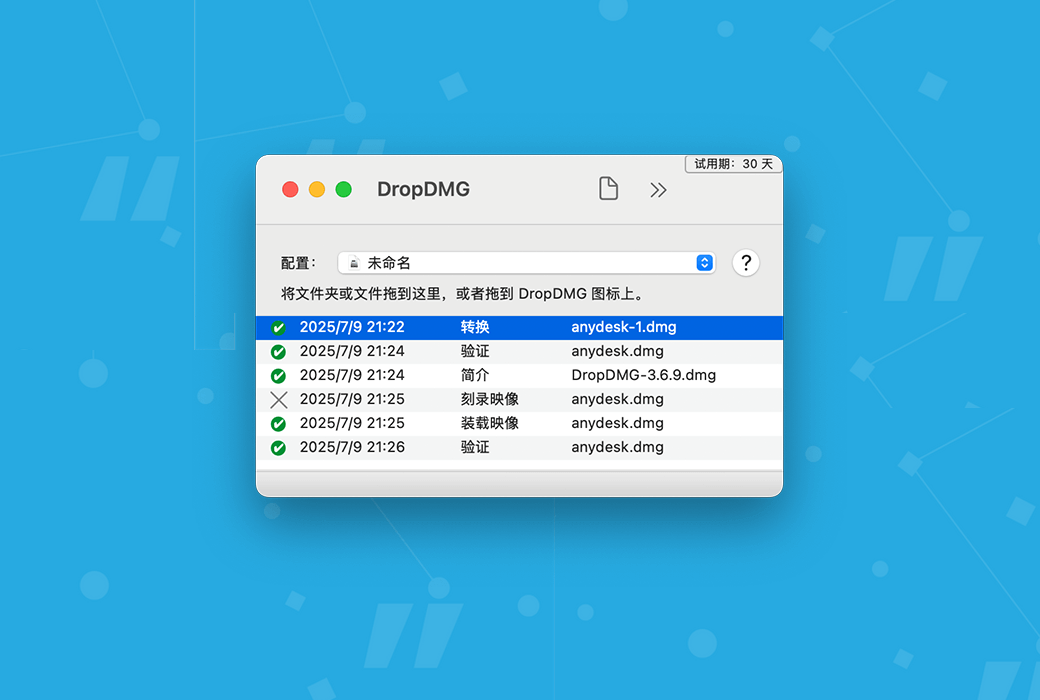
DropDMG is the simplest method for creating macOS disk images and cross platform archives. Simply drag and drop folders or files to complete. Alternatively, you can drag an existing disk image or archive onto DropDMG and convert it to any other supported format.
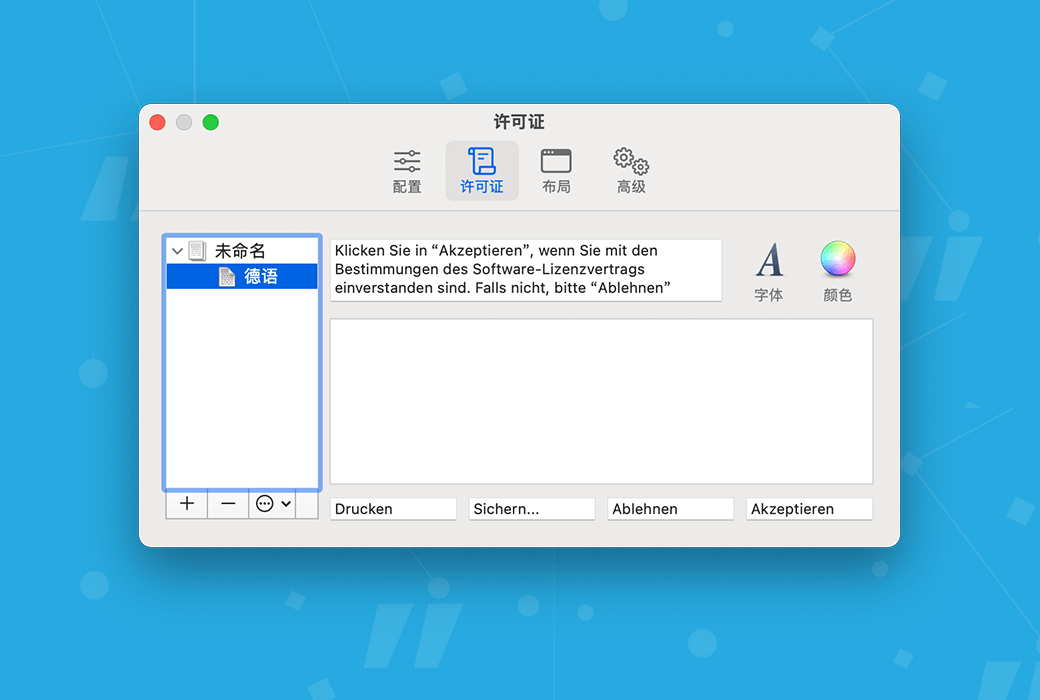
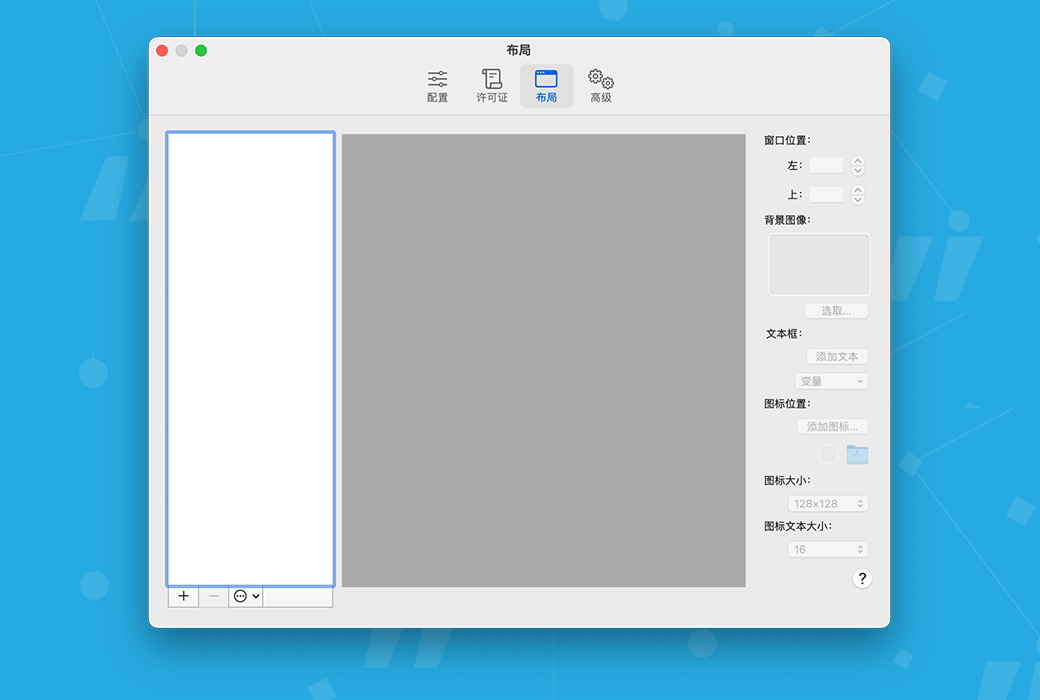
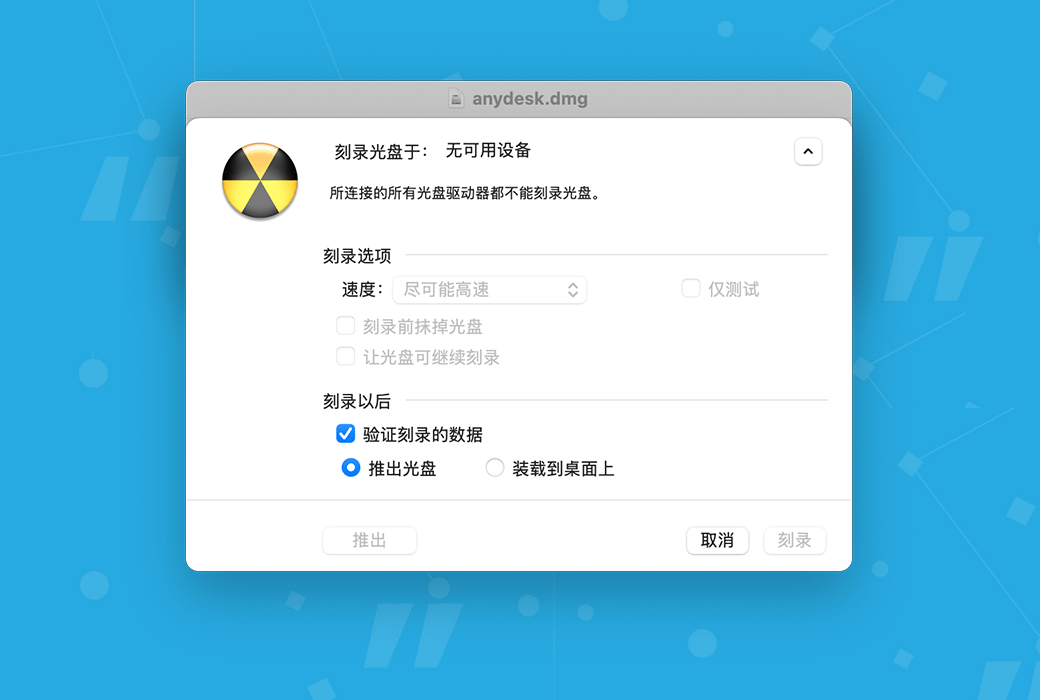
Deliver your Mac application in the form of. dmg files, which include software license agreements, custom volume icons, and precise icon layouts, along with Retina optimized background images. Users only need to drag and drop the application to the convenient "Applications" folder link to install it.
Sign your. dmg file with code so that macOS can confirm its trustworthiness after downloading. Applications packaged in unsigned disk images or. zip compressed files may be affected by "application out of place", which can cause them to malfunction
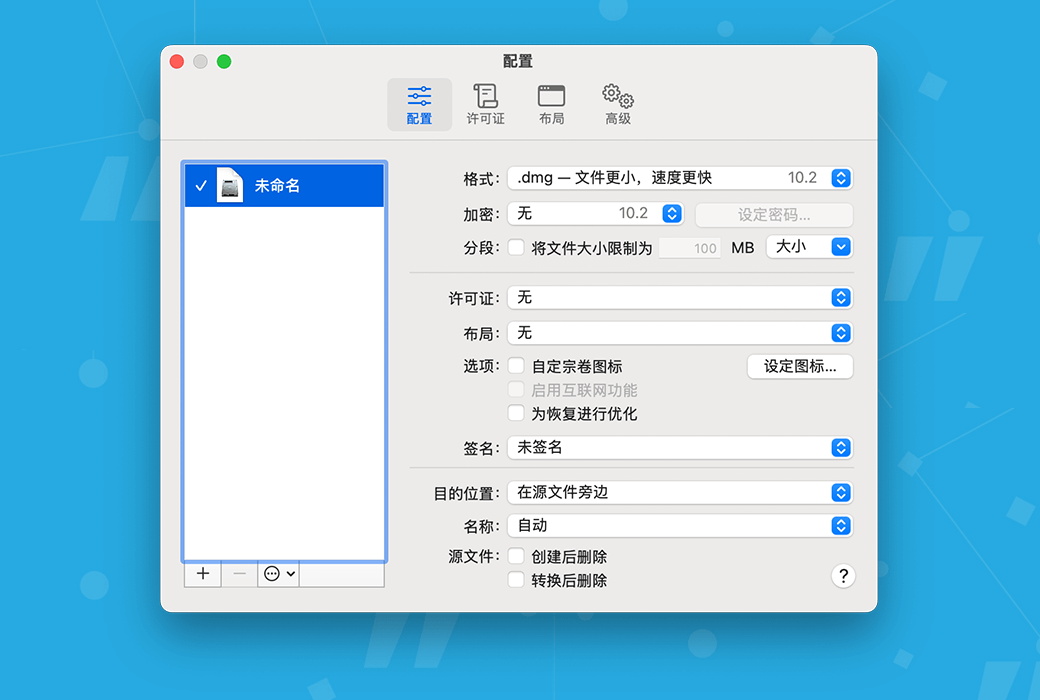
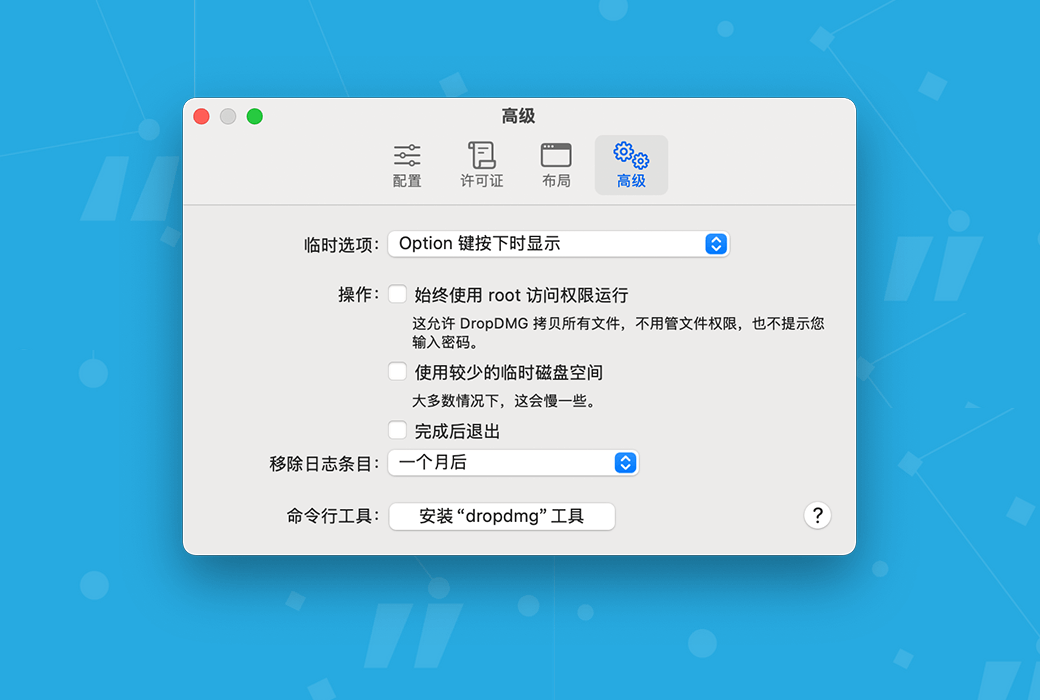
DropDMG supports advanced features such as encrypting and segmenting disk images, saving as configured settings groups, and temporary options. You can automate DropDMG through AppleScript, Automator, or the command line. You can run the dropdmg tool from Xcode, custom Makefiles, or build scripts. Store the resources of the. dmg file under version control.
overview
software delivery
Backup, Archive, and Clone
encryption
ADvanced
Official Website:https://c-command.com/dropdmg/
Download Center:https://dropdmg.apsgo.cn
Delivery Time: processed manually online
Operating Platform: macOS
Interface Language: supports Chinese interface display, with multiple languages available.
Update Instructions: supports minor version upgrades, such as 3.x
Trial Before Purchase: free trial available before purchase.
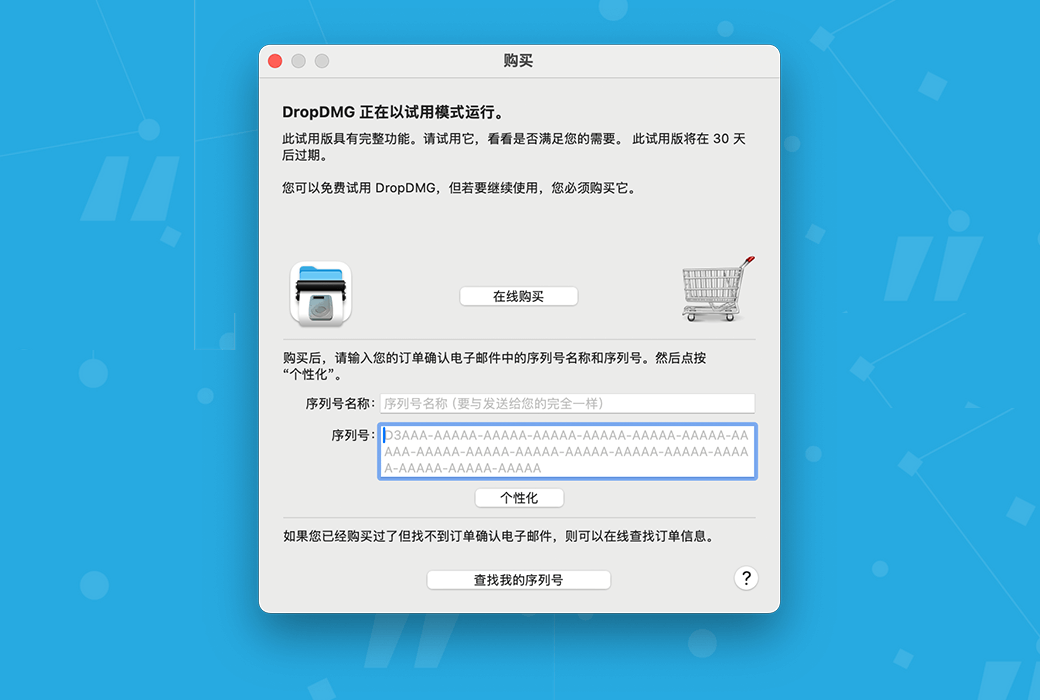
How to Receive the Product: After purchase, the activation information will be sent to the email used for ordering, and the corresponding product activation code can be viewed in the personal center, My Orders.
Number of Devices: depending on the purchased license, can be installed on 1 or 2 Mac computers.
Changing Computers: deactivate on the original computer first, then activate on the new computer.
Activation Guide: to be added.
Special Instructions: to be added.

Any question

A damaged log database may cause DropDMG to fail to start, crash, or report internal errors. Database corruption may be caused by crashes or disk errors.
If you have a backup before the damage occurred, you can exit DropDMG and replace the following files:
/Users/<username>/Library/Application Support/DropDMG/Log.dropdmglog
Includes working copies. Please refer to“How to open the Library folder?”Part, learn how to find this file.
Otherwise, you can delete itLog.dropdmglogDropDMG will create a new log file for the file.